
Sign Out
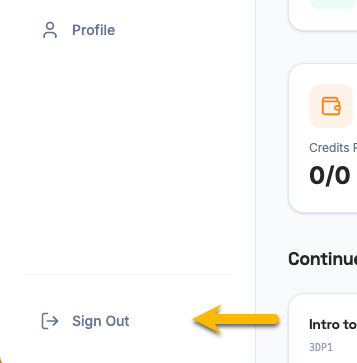
The sign out button is located in the same place on both the User Portal and the Admin Portal — at the bottom of the left sidebar menu.
How to Sign Out
Section titled “How to Sign Out”- Look at the bottom of the sidebar on the left side of the screen.
- Click the Sign Out button.
- You will be logged out and taken back to the login page.
On mobile, open the navigation menu first, then scroll to the bottom to find the Sign Out button.